1. Asciidocs

1.2. Document Header & Attributes

Ist quasi der Header der Dokumentation. Man kann Attribute oder Pfade erstellen die man in der gesamten .adoc File verwenden kann.

raw code
:name: Dave

=== This is a Document by {name} (output)

Output von dem .adoc Code

1.3. This is a Document by Dave (output)

1.4. Heders

raw code
== Level 1
Text.

=== Level 2
Text.

==== Level 3
Text.

===== Level 4
Text.

1.5. Paragraphs

1.5.1. Optionale Title & Code

raw code
.raw code
[source,java]
....
String name = "Dave";
....
output
String name = "Dave";

1.6. Text Font

raw code
normal, _italic_, *bold*, +mono+.

``double quoted'', `single quoted'.

normal, ^super^, ~sub~.

Output von dem .adoc Code

normal, italic, bold, mono.

``double quoted'', `single quoted'.

normal, super, sub.
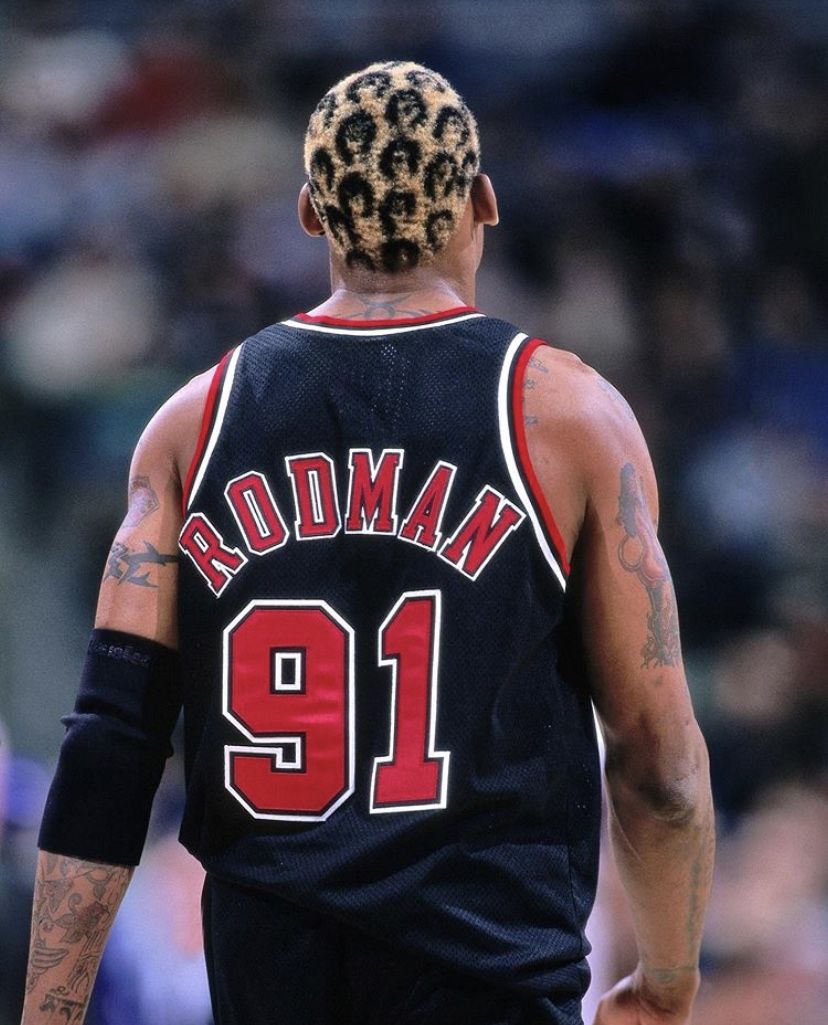
1.7. Images

Dennis Rodman

Dennis Rodman

raw code
.Dennis Rodman
image:images/dennis.jpg[Dennis Rodman]
raw code
link:https://davidenkovic.github.io[Daves Index]

1.9. Bullet

  • one

    • two

      • three

raw code
* one
** two
*** three

1.10. Tables

Table 1. An example table
Col 1 Col 2 Col 3

1

Item 1

a

2

Item 2

b

3

Item 3

c

6

Three items

d

raw code
.An example table
[options="header,footer"]
|=======================
|Col 1|Col 2      |Col 3
|1    |Item 1     |a
|2    |Item 2     |b
|3    |Item 3     |c
|6    |Three items|d
|=======================

1.11. Checklist

  • Not Checked

  • Cehcekd

raw code
* [ ] Not Checked
* [x] Cehcekd

2. PlantUML

2.1. PlantUML in .adoc file

png
raw code
[plantuml, png]
....
@startuml
class dave {}
@enduml
....